Laptop Battery Draining Fast or Not Charging? Fixes
Laptop Battery Draining Fast or Not Charging? Fixes

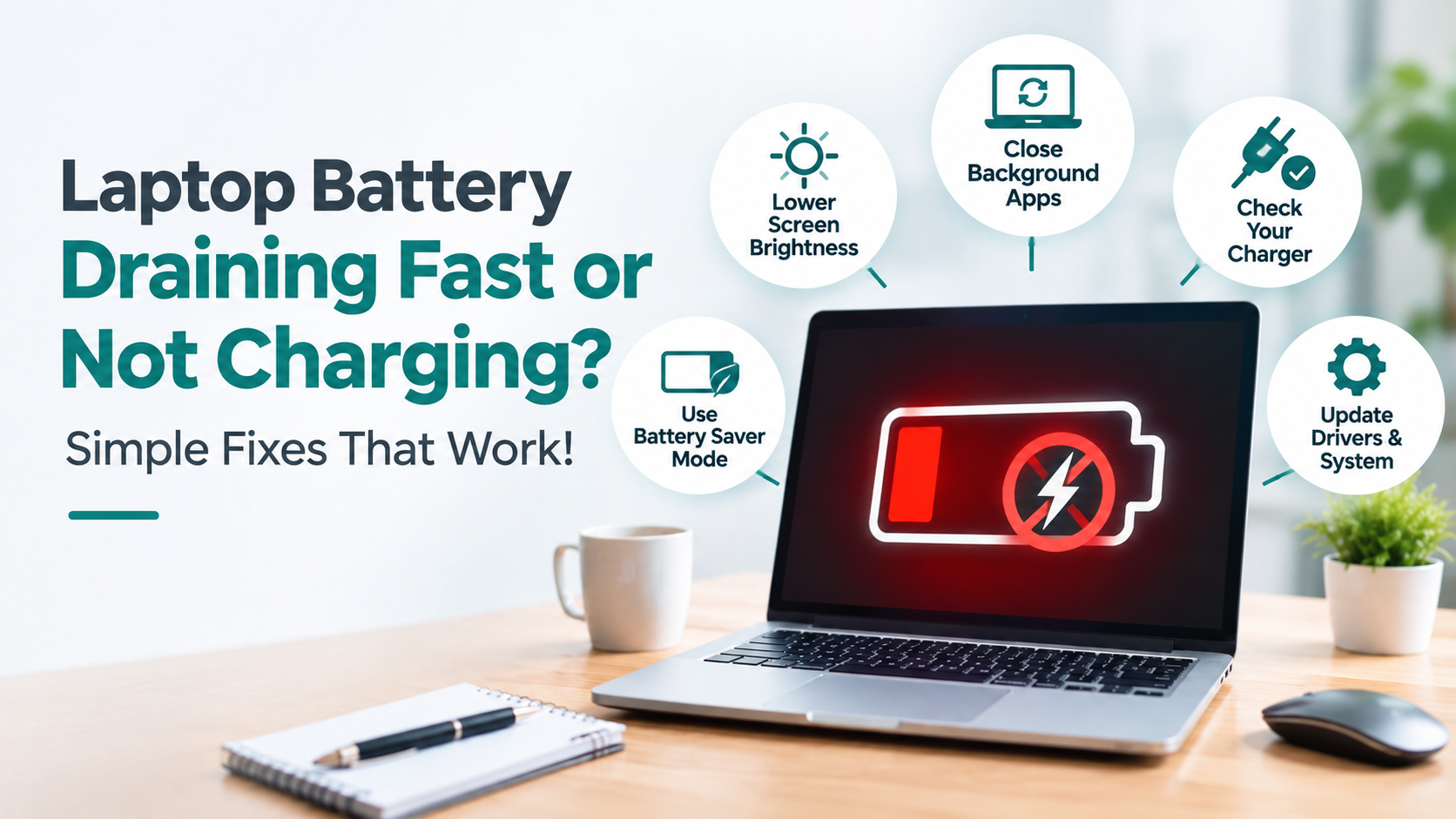
Laptop Battery Draining Fast or Not Charging? Causes and Fixes
A laptop battery draining fast usually comes down to a worn-out battery, background apps, or heat. A laptop battery not charging is usually the charger, the port, or a software setting. Many cases can be checked, and often fixed, at home.
You unplug at 100% before a meeting, and it's under 40% by lunch. Here's why a laptop battery draining fast or refusing to charge happens, how to fix it, and when to call a technician.
Why is my laptop battery draining fast?
Battery wear comes first. Every lithium-ion battery loses capacity with each charge cycle, so a three-year-old laptop holds less than it did new. If your laptop battery is draining fast and also charges from 0 to 100% suspiciously quickly, the battery has probably lost capacity. A smaller tank fills fast and empties fast.
Software is the second reason a laptop battery draining fast gets worse. A browser with twenty tabs, cloud sync tools, and apps that launch with Windows keep the processor busy even when the laptop looks idle. A fresh Windows update can also leave background tasks running.
Then there's heat. Dust-clogged vents make fans work harder, and a laptop battery draining fast in a Hyderabad summer is common, especially on a bed or sofa.
How do I fix a laptop battery draining fast?
Start by checking the damage. Press Windows + R, type cmd, and run powercfg /batteryreport. Open the battery-report.html file it creates in your user folder and compare Design Capacity with Full Charge Capacity. A big gap means the battery is worn, and no setting will bring that capacity back.
If the numbers look healthy, hunt for what keeps your laptop battery draining fast. On Windows 11, open Settings, System, Power, and Battery usage, and see which apps used the most power in the last 24 hours. Press Ctrl + Shift + Esc and look in Task Manager for anything stuck at high CPU while you're doing nothing.
Trim startup apps, restrict background activity for programs you rarely use, and lower the brightness. Clean the vents and keep the laptop on a firm flat surface. If the laptop battery continues to drain quickly, the battery itself is likely the culprit.
Why is my laptop battery not charging when it is plugged in?
Check the simple things first: a loose plug, a dead socket, and a frayed cable. Then look at the adapter. A charger with lower wattage than your laptop needs can run the machine but fail to charge the battery, which is precisely when Windows shows "plugged in, not charging." Compare the wattage printed on the adapter with what your model needs.
Next, inspect the port for dust or bent pins. Then try software. Open Device Manager, expand Batteries, uninstall "Microsoft ACPI-Compliant Control Method Battery," and restart so Windows reinstalls it. Some laptops also have a battery care mode that caps charging below 100% deliberately, so check the manufacturer's app first.
Unplug the charger, hold the power button for 30 seconds, then plug back in and start the laptop.
When should I book a technician?
Stop using the laptop if the base bulges, the trackpad lifts, or the case won't sit flat. That points to a swollen battery. Unplug it and don't press or pry at it. Get help too if the battery report shows heavy wear or the charging port wobbles. These need a new battery or a new port, not a settings tweak.
GeekOnDemand is a marketplace that connects people in Hyderabad with verified IT technicians. Book a technician through GeekOnDemand, and they can test the battery and charger, then tell you whether repair or replacement makes sense for a laptop battery draining fast or not charging.
Key Points to Remember
• A laptop battery draining fast usually means battery wear, background apps, or heat.
• Run powercfg /batteryreport to learn whether a laptop battery draining fast is simply worn out.
• A weak charger can leave a laptop battery not charging while the laptop still runs.
• Reinstalling the ACPI battery driver fixes many software-side charging problems.
• A swollen battery is a safety issue, so stop using the laptop.
FAQ
Why is my laptop battery draining fast all of a sudden?
Usually, a new app, a Windows update running background tasks, or a battery that has reached the end of its life is the cause. Check Battery usage in Settings and run the battery report to see which applies.
Do I need a new battery if my laptop battery is draining fast?
If the full charge capacity in the battery report is far below the design capacity, yes. If it looks fine, then software or heat is the cause.
Why is my laptop battery not charging when it is plugged in?
Common causes are a low-wattage charger, a damaged port, a battery care mode, or a driver glitch.
Can I keep using a laptop with a swollen battery?
No. Please unplug it and have a technician safely remove the battery.
Conclusion
A laptop battery draining fast is rarely random. Measure the battery first, then check apps, heat, and the charger. Most cases of a laptop battery draining fast occur during those steps, while the rest require a hands-on look.
Book a Technician
Laptop battery draining fast or not charging at all? Find a Geek near you and book a verified technician in Hyderabad through GeekOnDemand.
Tags
Related Blogs
Warranty vs. Third-Party Repair: What Businesses Should Know

Software Licensing Explained: A Guide for Businesses
Wireless vs. USB Printer Setup for Home Offices
Wi-Fi Connected but No Internet? 10 Easy Fixes
Best Doorstep IT Tech Support in Hyderabad (2026 Guide)