Wifi Keeps Disconnecting on Laptop? Fix It Fast
Wifi Keeps Disconnecting on Laptop? Fix It Fast

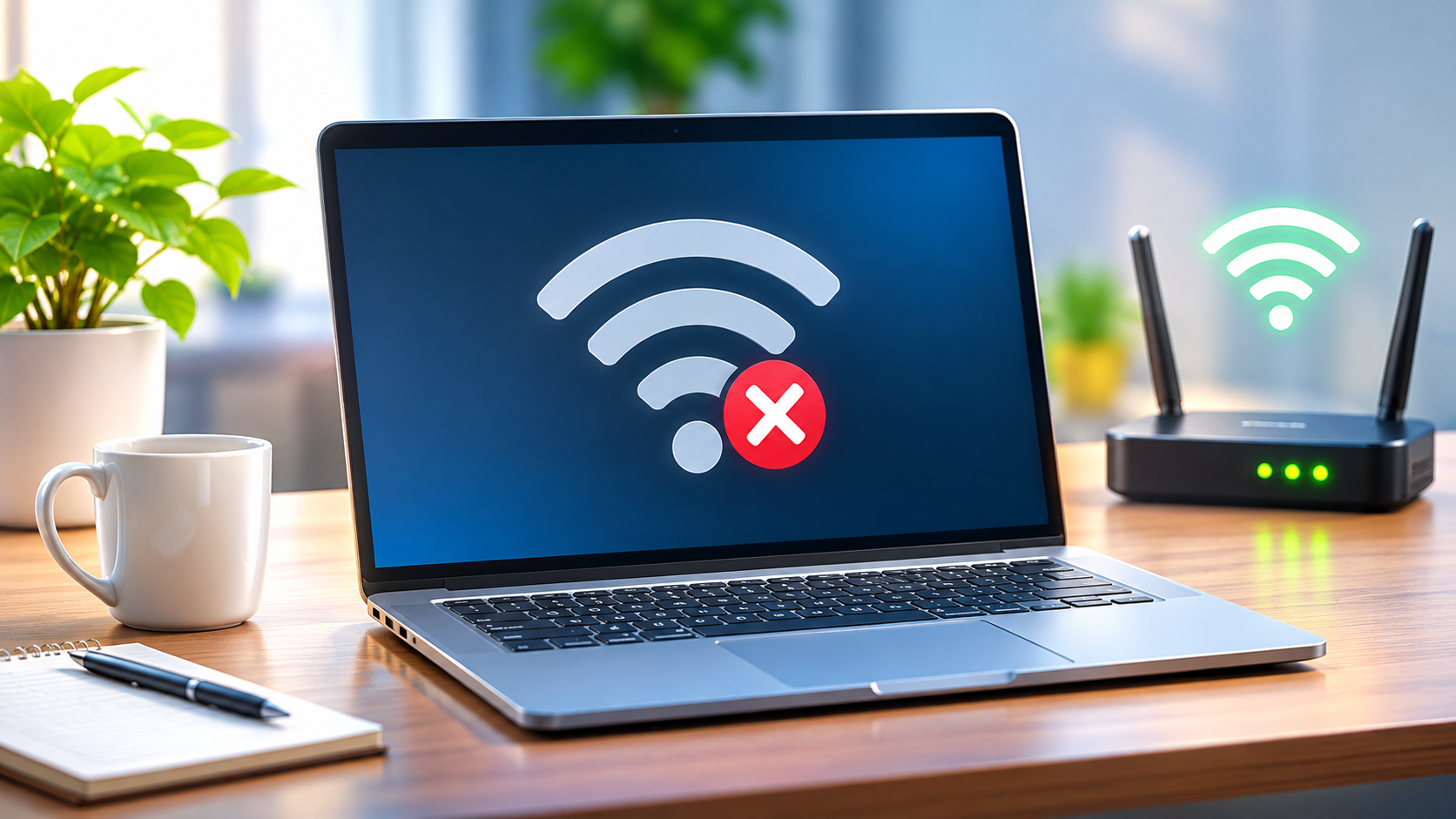
Why Your Wifi Keeps Disconnecting on a Laptop and How to Fix It
When your wifi keeps disconnecting on a laptop, the cause is usually a Windows power-saving setting that switches off the Wi-Fi adapter, an outdated network driver, or a weak, crowded router signal. First, adjust the laptop settings, then check the router. That order solves most drops without buying anything.
Picture the usual scene. You're ten minutes into a client call, the video freezes, and the Wi-Fi icon flashes a warning. Then it drops again. When your wifi keeps disconnecting like this, the guesswork wastes an afternoon, so here's the order worth checking.
Why does my wifi keep disconnecting on my laptop?
Laptops have something phones and desktops don't: aggressive battery management. Windows can power down the wireless adapter to save charge, and that looks exactly like a random drop. If your wifi keeps disconnecting, especially when you're unplugged, start there.
Other causes sit outside the laptop. Distance and walls weaken the signal. Microwaves, cordless phones, and neighboring routers crowd the 2.4 GHz band, a real problem in Hyderabad apartment blocks where dozens of networks overlap. An overheating router or a provider outage can cut every device at once.
How do I fix my laptop settings when the Wi-Fi keeps disconnecting?
Start with the adapter's power setting. Open Device Manager, expand Network adapters, right-click your Wi-Fi adapter, and choose Properties. On the Power Management tab, untick "Allow the computer to turn off this device to save power." Then set Wireless Adapter Settings to Maximum Performance in your power plan's advanced options.
Next, update the driver. If Windows says you're current but your wifi continues to disconnect, download the latest driver from the laptop maker's website instead.
Still dropping? Forget the network under Settings, Network & internet, Wi-Fi, and Manage known networks, then reconnect. That clears a corrupted profile. Network reset is the last laptop-side option. It wipes saved networks and may mean reinstalling VPN software, so note your Wi-Fi password first.
What router fixes help if Wi-Fi keeps disconnecting?
Power cycle first. Unplug the modem and router, wait 30 seconds, then plug the modem back in, followed by the router. It clears small glitches more often than you'd expect.
Then look at the band. 5 GHz is faster but covers less distance. Two rooms away from the router? Use 2.4 GHz for range. Sitting close in a busy apartment block? 5 GHz usually escapes the interference.
If Wi-Fi keeps disconnecting after that, change the Wi-Fi channel on the router's admin page and check for a firmware update. Keep the router in an open, central spot, away from metal shelves and thick walls. If you see any unknown devices on the connected list, please change the Wi-Fi password, as they can consume bandwidth.
How can I tell if the laptop, router, or provider is at fault?
Run a quick isolation test before replacing anything. Connect a phone to the same network and use it in the same spot as the laptop.
If wifi keeps disconnecting on only the laptop, the fault is on the laptop: the driver, power settings, or the adapter itself. If every device drops, suspect the router or its placement. If every device drops and the router shows an internet warning light, ask your provider about outages.
One more check: plug the laptop in with an Ethernet cable if it has a port. A stable wired connection while your wifi keeps disconnecting points straight to the wireless side.
Key Points to Remember
- First, check the adapter's power-saving option. It's the most laptop-specific cause.
- Update the network driver from the laptop maker's website when Windows finds nothing.
- Test a phone in the same spot to separate laptop faults from router faults.
- Match the band to distance: 2.4 GHz for range, 5 GHz for speed.
- Restart the modem and router before changing any settings.
- When wifi keeps disconnecting on every device, think router, provider, or hardware.
Frequently Asked Questions
Why does my laptop's wifi keep disconnecting when my phone doesn't?
The laptop has its own driver, power management, and saved network profile. An outdated driver or the adapter's power-saving option is the usual culprit, so fix those before touching the router.
Why does Wi-Fi keep disconnecting every few minutes?
A regular rhythm often points to a power-saving timeout, channel interference, or an overheating router. Note the interval, then try the adapter power setting and a router restart.
Can too many devices make wifi keep disconnecting worse?
Yes. Streaming, downloads, and video calls on one network can overload a basic router or a slow plan. Disconnect devices you aren't using and see whether the drops ease.
Should I reset my laptop's network settings?
Only after updating the driver and forgetting the network. A reset clears saved networks, so keep your Wi-Fi password ready.
Conclusion
A laptop whose wifi keeps disconnecting is rarely a mystery once you work in order: power settings, driver, router, then provider. The phone test saves the most time because it shows you where to look. Most causes are fixable with settings changes alone.
Still Stuck? Get Help Now
Tried everything, and your wifi keeps disconnecting? Book a Technician through GeekOnDemand, a marketplace that connects Hyderabad customers with verified IT technicians. Describe the problem, choose a Geek, and get your laptop and router checked in person.
Categories
Tags
Related Blogs
Laptop Battery Draining Fast or Not Charging? Fixes

Warranty vs. Third-Party Repair: What Businesses Should Know
Software Licensing Explained: A Guide for Businesses
Inkjet vs Laser vs Ink Tank Printers: Home or Office Guide
Wi-Fi Connected but No Internet? 10 Easy Fixes